When a brand needs to present a product, launch a new flavour or prepare an image for packaging and a campaign, the first question is often: what should the final render look like?
But in a product visualization project, that is not the first decision that needs to be made.
Before building the scene, choosing the lighting or defining the framing, the team needs to understand what the image must communicate. Should the product feel indulgent, healthy, premium, handmade or accessible? Will the image be used on a small package, in a digital campaign, on an e-commerce page or in an internal presentation? Does the viewer need to notice texture, filling, shape or simply recognize the product quickly?
These answers shape the entire process. Product visualization works best when the brief is translated into a clear visual direction. From there, the studio can build the product, develop the materials, control the lighting, test variations and deliver images prepared for the brand's real needs.
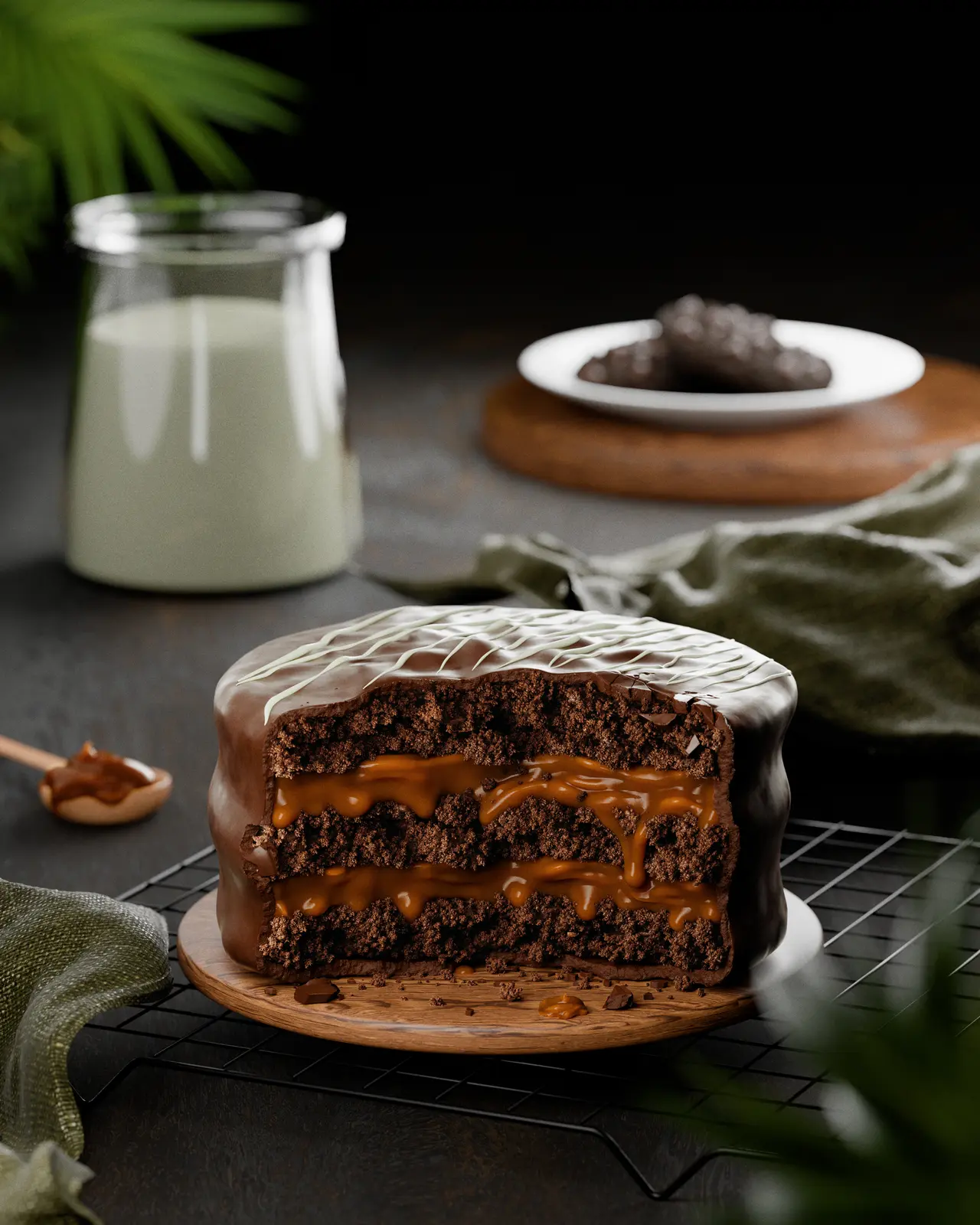
The product examples in this article come from selected GS Creative 3D food CGI projects.
The project starts before the first render
A CGI brief does not need to be a complex document, but it does need to gather the information that guides the main decisions. The clearer the objective, the easier it becomes to evaluate whether an image is working.
For a food product, it is also important to describe what makes that product specific. It may be the thickness of the dough, the irregularity of a coating, the behaviour of the filling, the size of the ingredients or the way the product breaks.
The goal is not to limit creativity. It is to establish a shared starting point between the brand, the agency and the CGI studio.
- What the product is and which characteristics must be preserved.
- Where the image will be used.
- Which audience the image needs to convince.
- Which elements should receive the greatest emphasis.
- Which visual references represent the desired direction.
- Which formats, proportions and resolutions will be required.
- Which packaging, product or brand details cannot be changed.
The brief is translated into a visual direction
Once the objective is understood, the next step is to turn abstract information into concrete visual decisions.
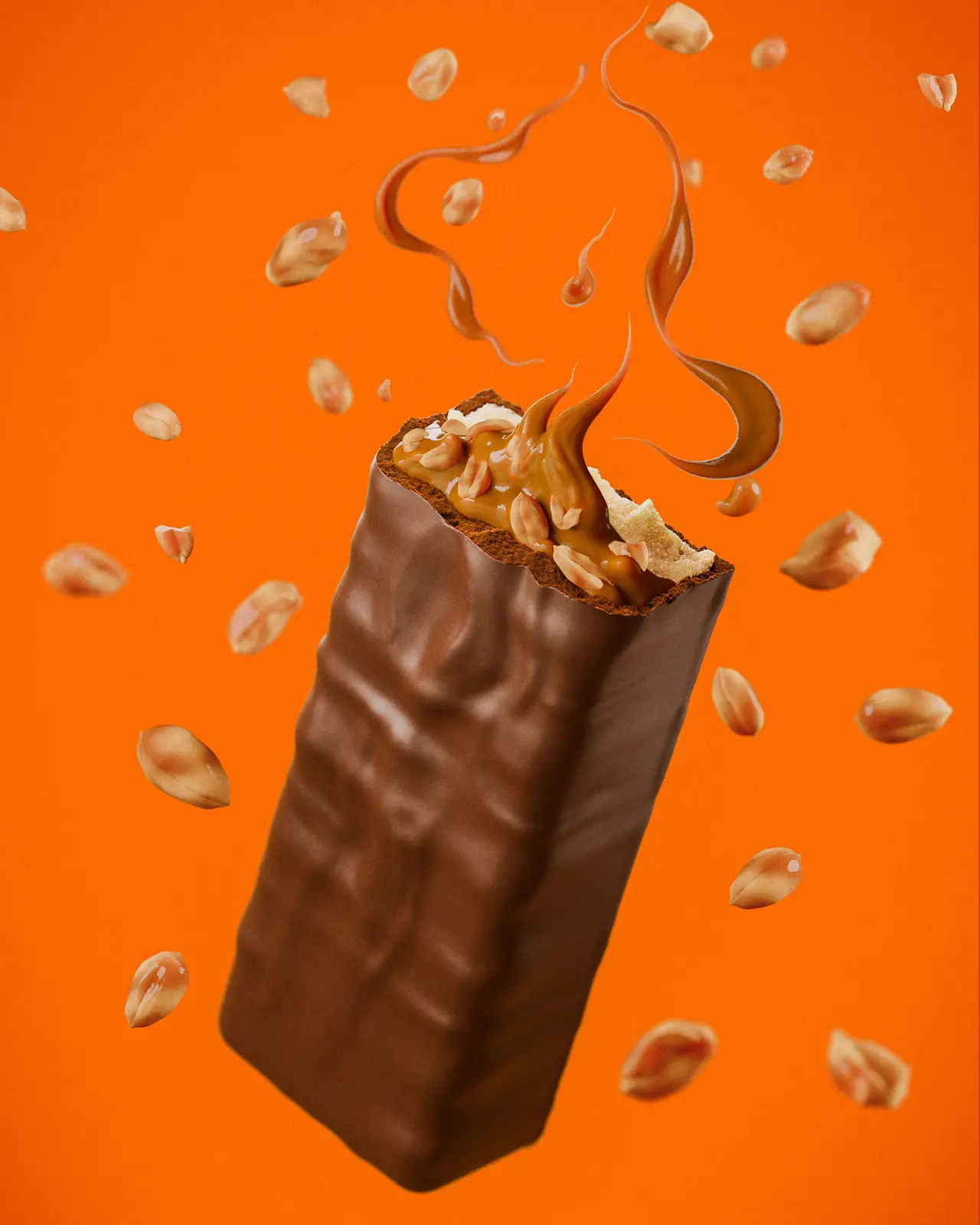
A brand may say that it wants an image to feel premium or appetizing, but those words need to become art-direction choices. A premium image may depend on controlled lighting, a reduced palette and sophisticated materials. An appetizing image may require a closer camera, contrast between textures, carefully placed highlights and a composition that reveals the inside of the product.
This stage defines the lighting language, camera distance and height, the main product angle, the relationship between product and ingredients, the colour palette, the level of realism, the amount of information in the frame and the feeling of weight, freshness, crunch or creaminess.
It is also the moment to separate what is essential from what is merely decorative. Not every ingredient needs to appear, and not every detail needs the same emphasis. Good visual direction organizes the viewer's attention and helps the product be understood quickly.
The product is built digitally
With the visual direction defined, the product begins to be developed in 3D.
This stage may involve modeling from physical samples, photographs, technical drawings, packaging, measurements or references supplied by the brand. When the product already exists, the goal is to reproduce its characteristics with enough accuracy for the image to feel recognizable and coherent with reality.
In food CGI, geometry needs to communicate more than the silhouette. Small differences in thickness, edges and surface irregularity can change the perception of freshness, texture and scale.
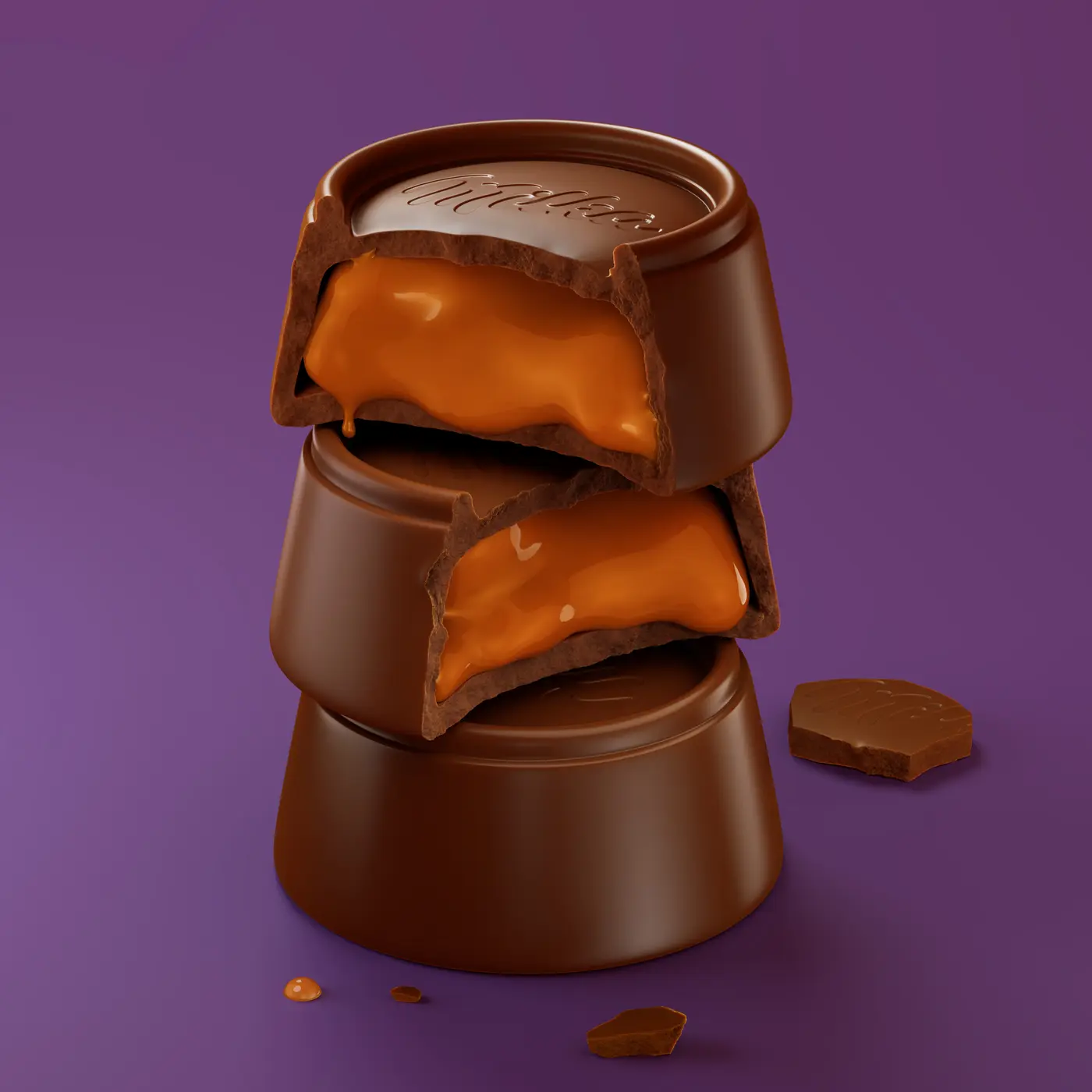
A bar may need slightly imperfect edges. A biscuit may require a porous surface and natural variation. A filled product may need to be divided or cut to reveal its layers. These elements are not added only to create beauty: they help the viewer understand the product experience.
When packaging is involved, the model also needs to respect proportions, folds, seals, volumes and print areas. The final appearance should be visually appealing without misrepresenting the object that will be produced or presented.
Materials and textures give the product its identity
After the form comes materiality.
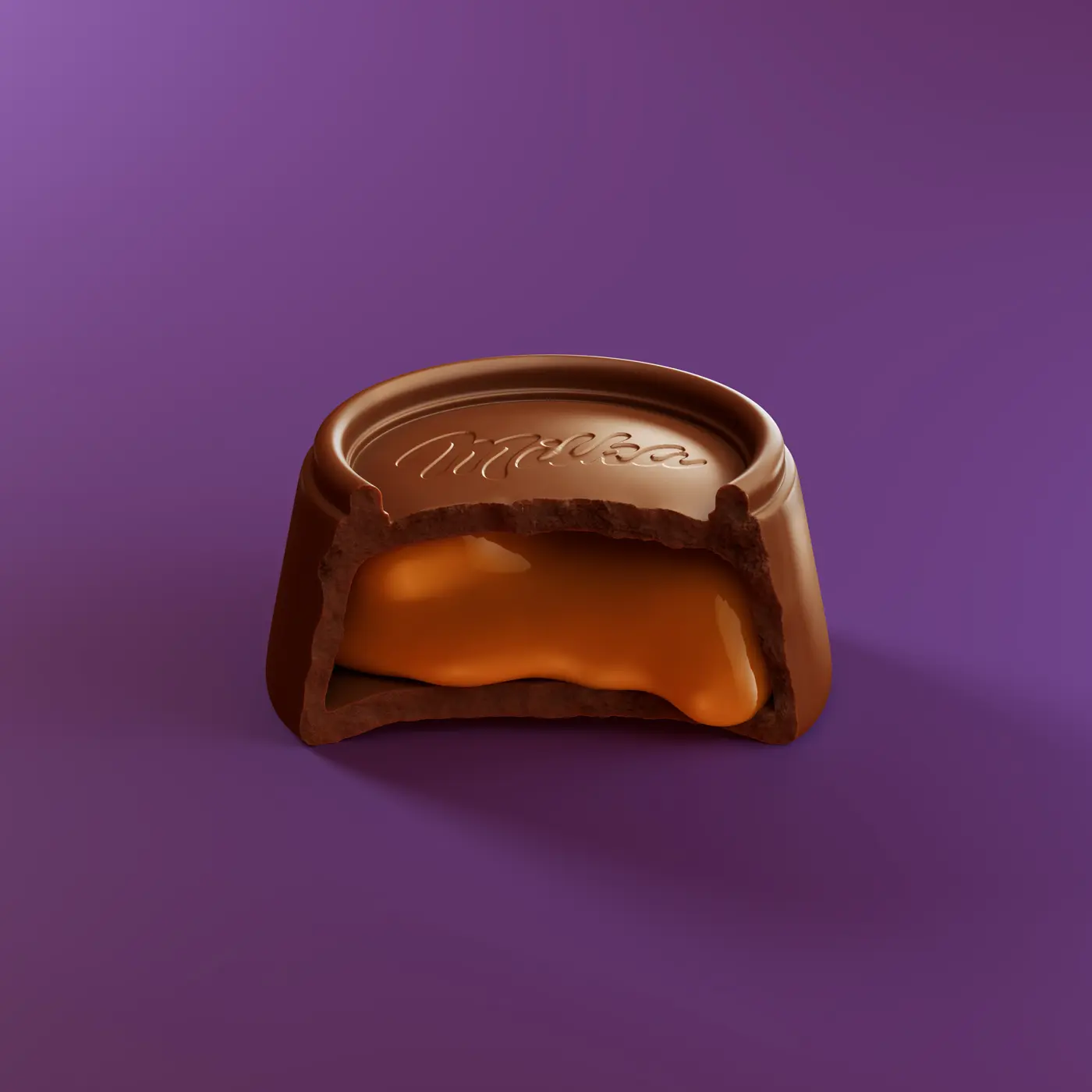
This is the stage when the model begins to look like chocolate, baked dough, caramel, paper, plastic, metal or any other material required for the scene. The work is not simply choosing a colour. It is controlling how each surface reacts to light.
Several questions guide this construction:
- Is the surface matte or glossy?
- Is it dry, moist, crunchy, creamy or sticky?
- Are there pores, cracks, bubbles, particles or production marks?
- Does the material transmit light or only reflect the environment?
- Will the irregularities remain visible at the size where the image will be seen?
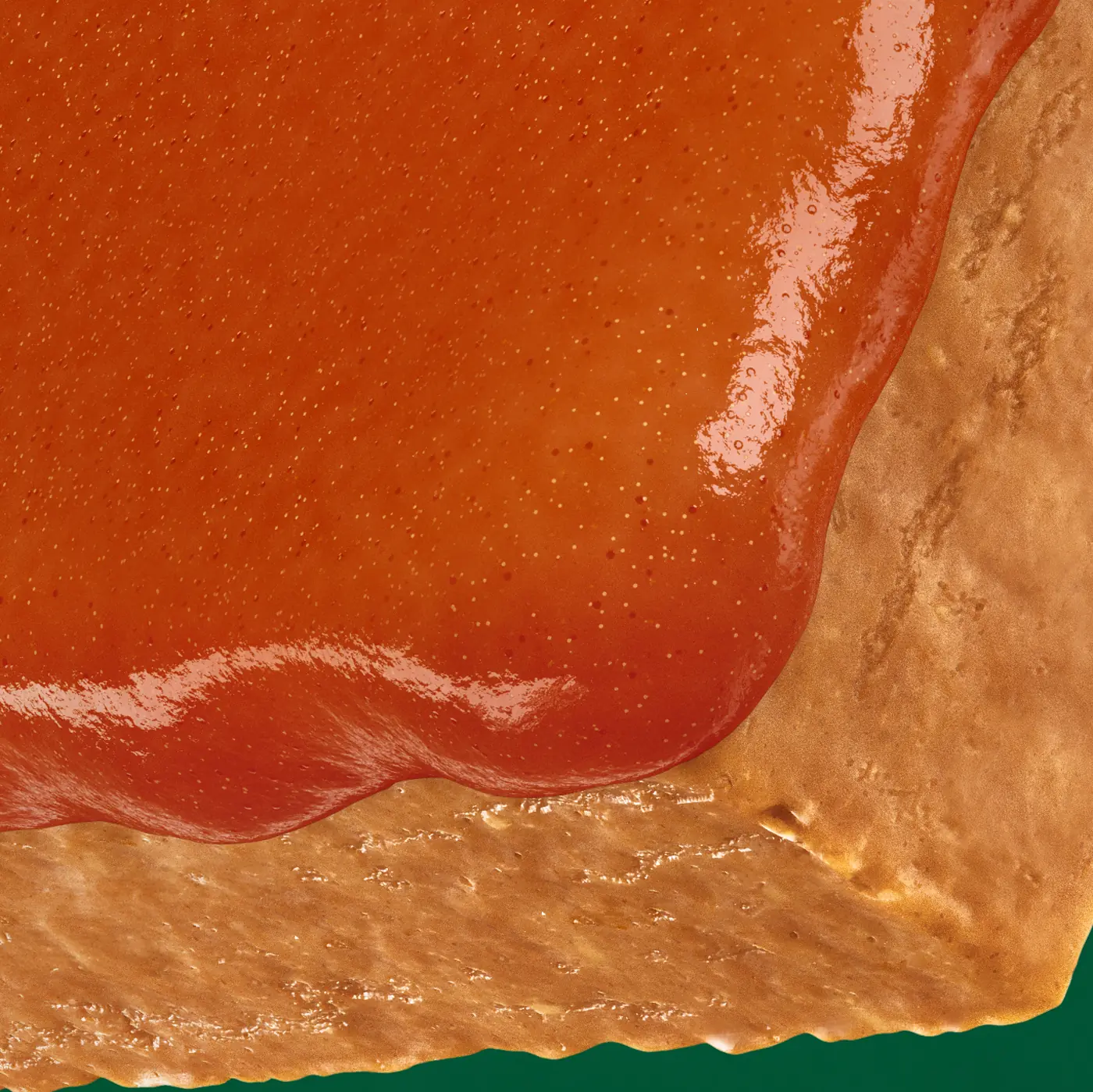
Lighting organizes how the image is read
Lighting does not only make a render more beautiful. It defines what the viewer notices first.
A highlight can reveal the curve of a coating. A shadow can separate two layers. Side light can reinforce the porosity of a baked surface. A darker background can increase the contrast of a light product, while a warmer palette can suggest indulgence and comfort.
The studio also needs to consider the relationship between the product and its environment. Ingredients, splashes, particles and supporting elements should contribute to the reading of flavour and texture without competing with the main object.
For that reason, lighting is built together with composition. Camera, background, scale, depth of field and ingredient placement need to work in the same direction.
Early versions exist to support decisions
A common mistake is to imagine that the first render needs to be the final image. In practice, early versions exist to test and align decisions.
During development, the team can evaluate different framings, levels of gloss, ingredient positions, colour intensities and ways of revealing the inside of the product. The brand may realize that the filling needs to be more visible, that the package is taking up too much space or that the product needs to feel closer to the physical reference.
This phase is more productive when feedback is organized by priorities. Instead of reviewing every detail at the same time, the team can separate decisions into groups:
This organization reduces rework and helps everyone evaluate the image using the same criteria.
- Product: shape, proportion, layers and essential characteristics.
- Material: colour, texture, gloss and surface behaviour.
- Composition: camera, scale, ingredients and background.
- Application: proportion, resolution, breathing room and legibility.
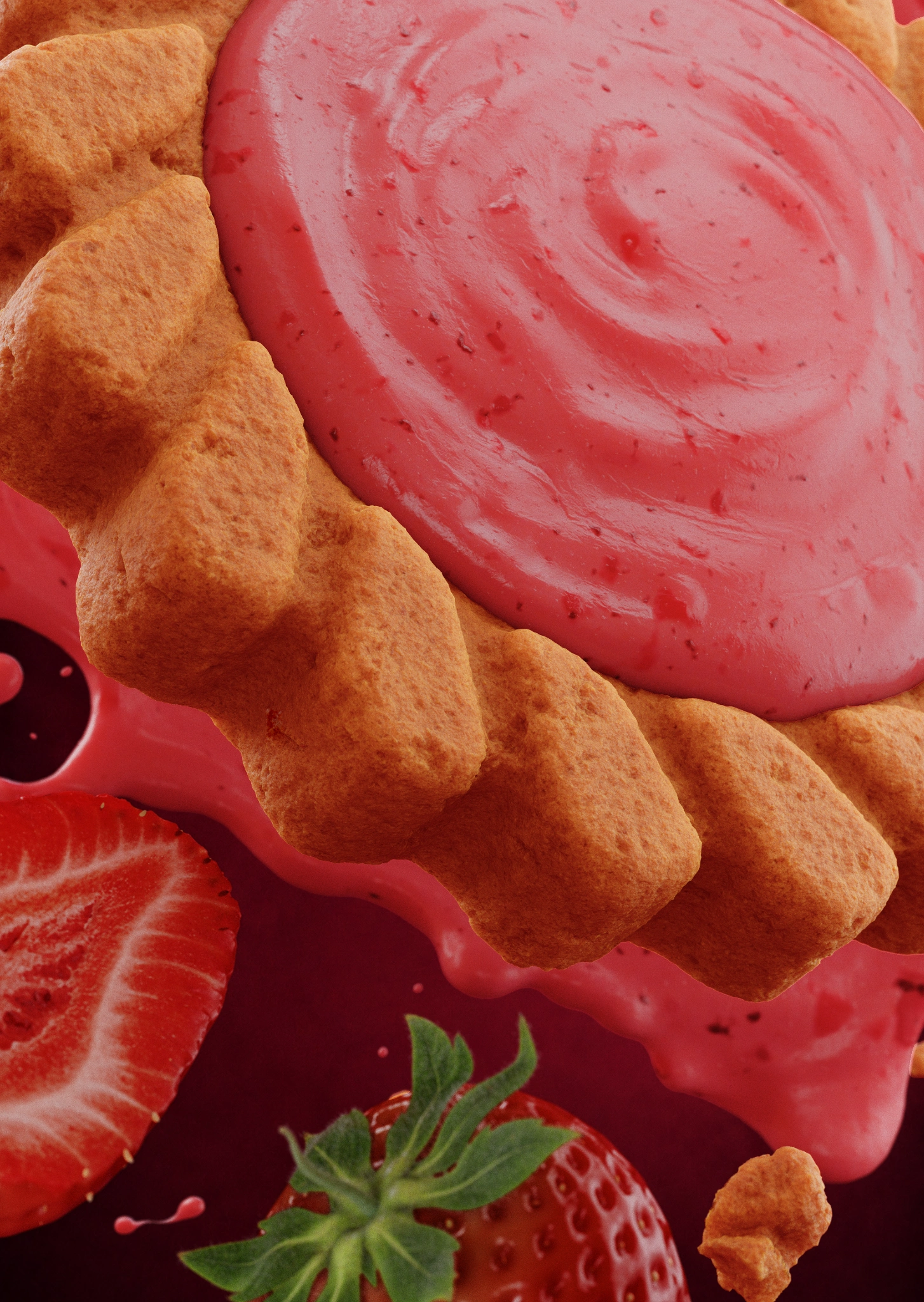
The process can include variations without losing consistency
One advantage of 3D visualization is the ability to develop more than one reading of the same product without rebuilding an entire physical production.
Once the base is approved, the team can create variations in camera, distance, lighting, ingredient quantity and proportion. One version may work better for packaging. Another may be more suitable for a digital advertisement. A third may show the cut, filling or texture in greater proximity.
This flexibility needs to be accompanied by consistency. The product must remain recognizable from one image to the next. Colour, shape, primary lighting and the relationship between elements need to remain coherent with the approved direction.
The goal is not to produce many images without a reason. It is to build a visual set that allows the brand to present the same product in different contexts.
From the approved render to the final files
When the main image is approved, the project moves into final file preparation.
Depending on the scope, the delivery may include a high-resolution main render, horizontal, vertical or square versions, crops for social and digital media, e-commerce images, files prepared for packaging presentations, camera or product variations and alternate backgrounds when included in the production plan.
This stage matters because a technically correct image is not automatically ready for every application. The file needs the resolution, proportion, margin and format that match its intended use.
It is also important to define what is included in the delivery and how the files may be used. Scope, revisions, licensing and the availability of the 3D source file should be agreed before the project is completed.
- Main render in high resolution.
- Horizontal, vertical or square versions.
- Crops for social media and digital media.
- Images prepared for e-commerce.
- Files for packaging presentations.
- Camera or product variations.
- Alternate background versions when included in the scope.
- Editable files or separated elements when agreed in production.
A commercial application example
In a project commissioned for Mid-Day Squares, the CGI visualization of the Apple Cinnamon bar was developed to communicate the product in an appetizing and recognizable way.
The work involved building the visual representation of the bar, the baked base, the apple filling and the relationship between different materials. Lighting and composition were used to highlight texture, layers and flavour without turning the product into an excessively idealized version of itself.
This type of project shows that the final result does not depend only on modeling an object in 3D. The team needs to interpret the product, understand what needs to be perceived and make visual decisions that are coherent with the brand's communication.
What makes a CGI process efficient?
An efficient process is not necessarily the one that produces the first image fastest. It is the one that allows the right decisions to be made in the right order.
When the objective is clear, the visual direction is shared and the approval criteria are defined, development tends to be more organized. The team can focus its energy on the decisions that actually change how the product is perceived.
It is also important to recognize that CGI does not replace brand knowledge. The studio contributes visual direction, modeling, materials, lighting and image production, while the client has essential information about the product, audience, positioning and commercial use.
The strongest result comes from bringing those perspectives together: the brand's strategic view and the studio's technical and visual expertise.
Conclusion
A product visualization project in CGI is a sequence of decisions that begins long before the final render.
The brief defines the objective. Visual direction turns that objective into a language. Modeling builds the product. Materials and textures give identity to the surface. Lighting organizes the reading. Revisions refine the decisions. The final stage transforms the approved image into a set of files ready for use.
When all these parts work together, CGI becomes more than a beautiful image. It becomes a tool for presenting products, aligning teams, testing ideas and communicating value before a campaign reaches the consumer.
If your brand is developing a food, beverage or other consumer product and needs to turn an idea into a clear, tactile and commercially prepared image, GS Creative 3D can help build that visualization from briefing through final delivery.
Before developing that visual system, read What CPG Brands Need to Prepare Before Starting a 3D Product Visualization Project.
Frequently asked questions
What brands usually ask before starting.
How long does a CGI product visualization project take?
The timeline depends on the product's complexity, the number of images, the modeling requirements, the number of variations and the approval process. A simple product with one main image has different needs from a production with several SKUs, ingredients, cuts and applications.
What does a brand need to provide to start a CGI project?
It is useful to gather product references, photographs or physical samples, measurements, packaging information, art direction, visual examples and intended formats. Even when some information is not available yet, the project can begin by organizing the objective and the most important decisions.
Can changes be made after the product has been modeled?
Yes. Changes are part of the process, especially during approval. However, the earlier a change is identified, the easier it tends to be to incorporate. That is why it helps to approve the form and general direction before finalizing every material and lighting detail.
Is CGI only useful for products that have not been manufactured yet?
No. 3D visualization can be used for products in development, existing products, new flavour variations, packaging, campaigns, e-commerce and commercial presentations.
Can one CGI image be used in different formats?
Yes, provided this is considered during planning. The scene can be built to generate horizontal, vertical and square versions, detail crops and images for different channels. The number of formats and the required adaptations should be defined in the project scope.
Have a product to visualize?
Turn the brief into a visual asset.
GS Creative 3D helps food and consumer brands transform product details, materials and commercial goals into focused CGI visuals ready for real-world use.
Discuss your project